Image Prompt Box
 Negative prompts are one of the most powerful tools in AI image generation — yet many beginners ignore them. This guide explains what they are, why they work, and how to use them effectively.
What Is a Negative Prompt?
A negative prompt tells the AI what you don't want to see in the generated image. While your main prompt guides the AI toward what you want, the negative prompt steers it away from unwanted elements.
Think of it as: "Show me X, but don't include Y, Z, or W."
Why Negative Prompts Matter
AI models are trained on massive datasets that include all kinds of images. Without negative prompts, your results might include:
- Ugly artifacts or deformities
- Wrong aspect ratios or compositions
- Unwanted styles or aesthetics
- Extra limbs or distorted anatomy
Common Negative Prompts by Use Case
For Photorealism
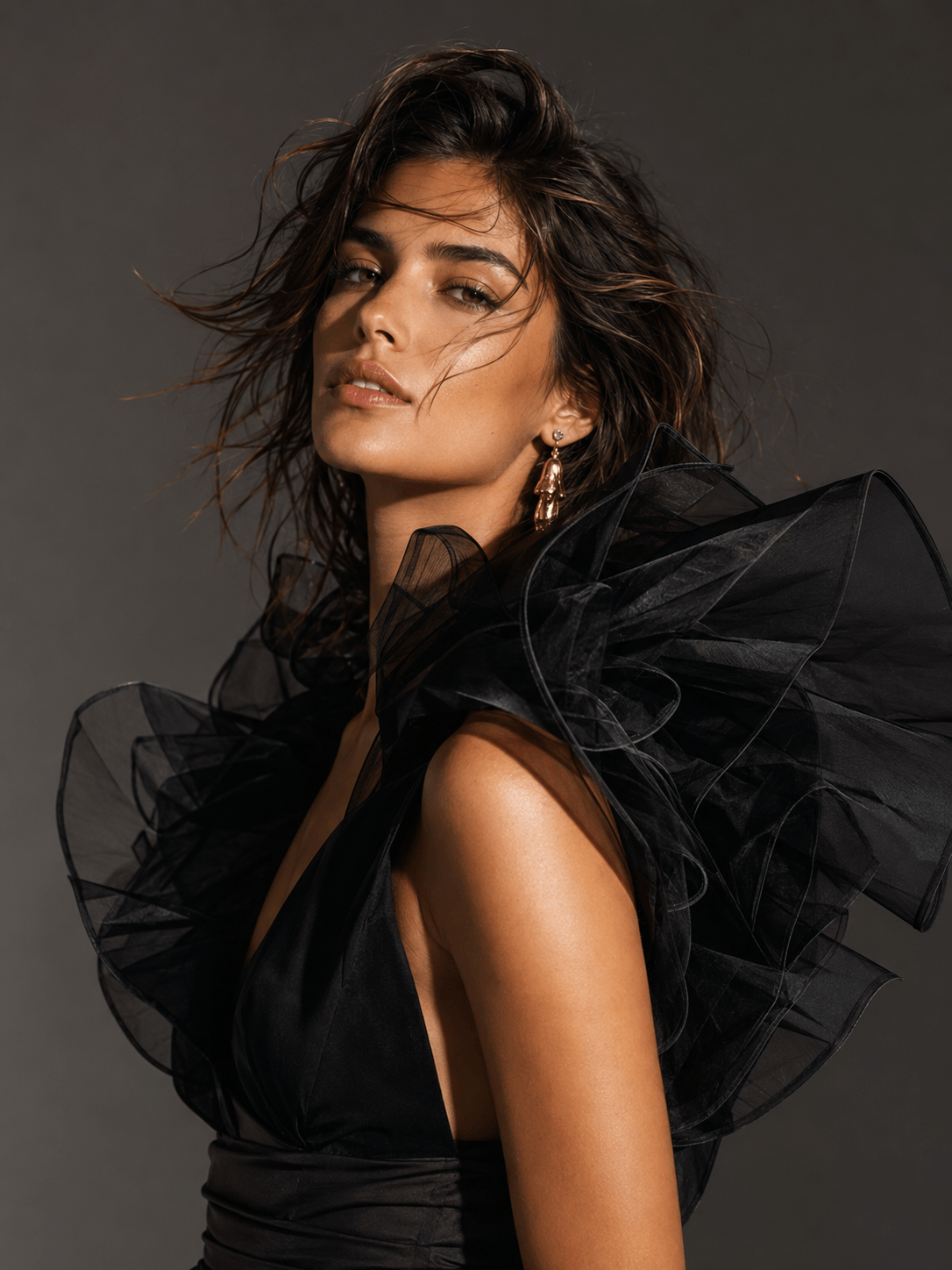
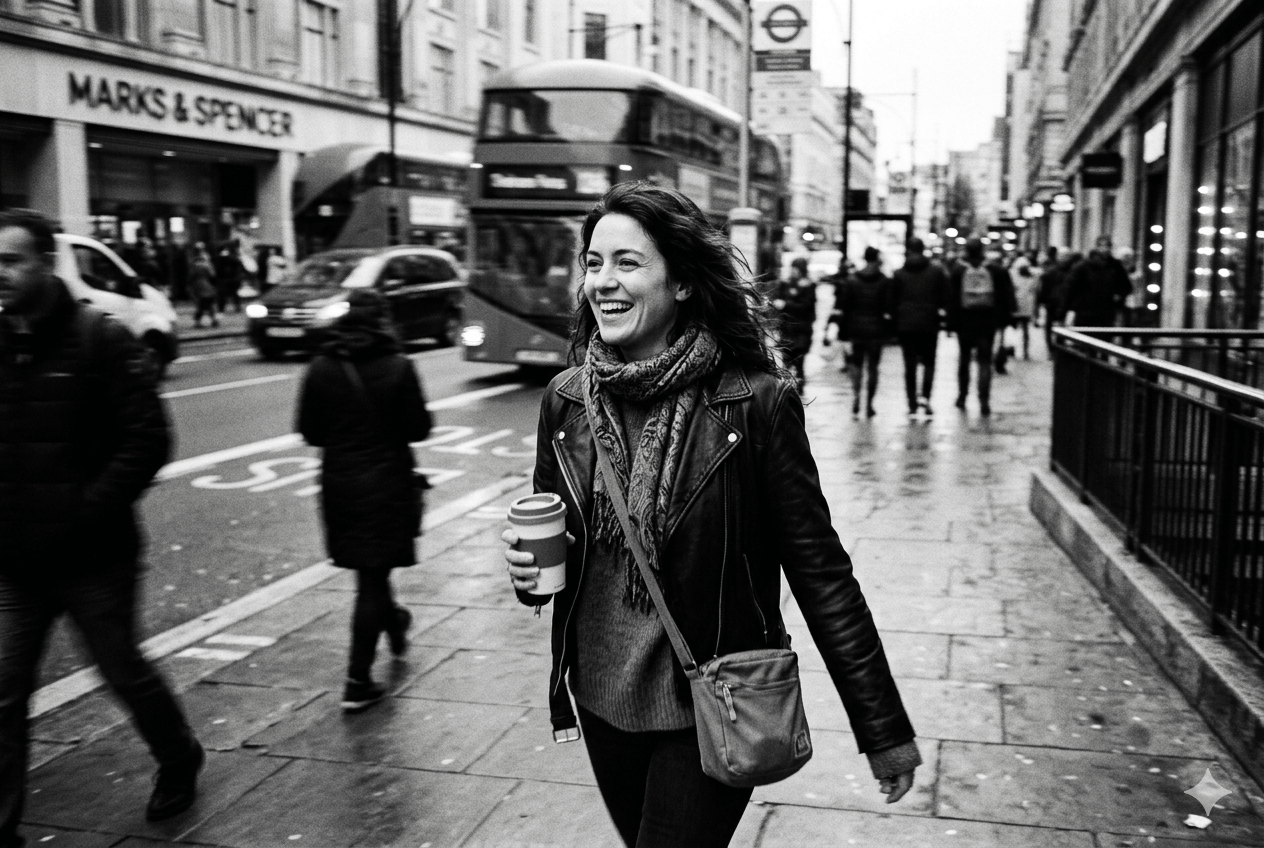
cartoon, illustration, painting, 3d render, sketch, drawing, anime, abstract, low quality, blurry, distorted, ugly
For Portrait Photography
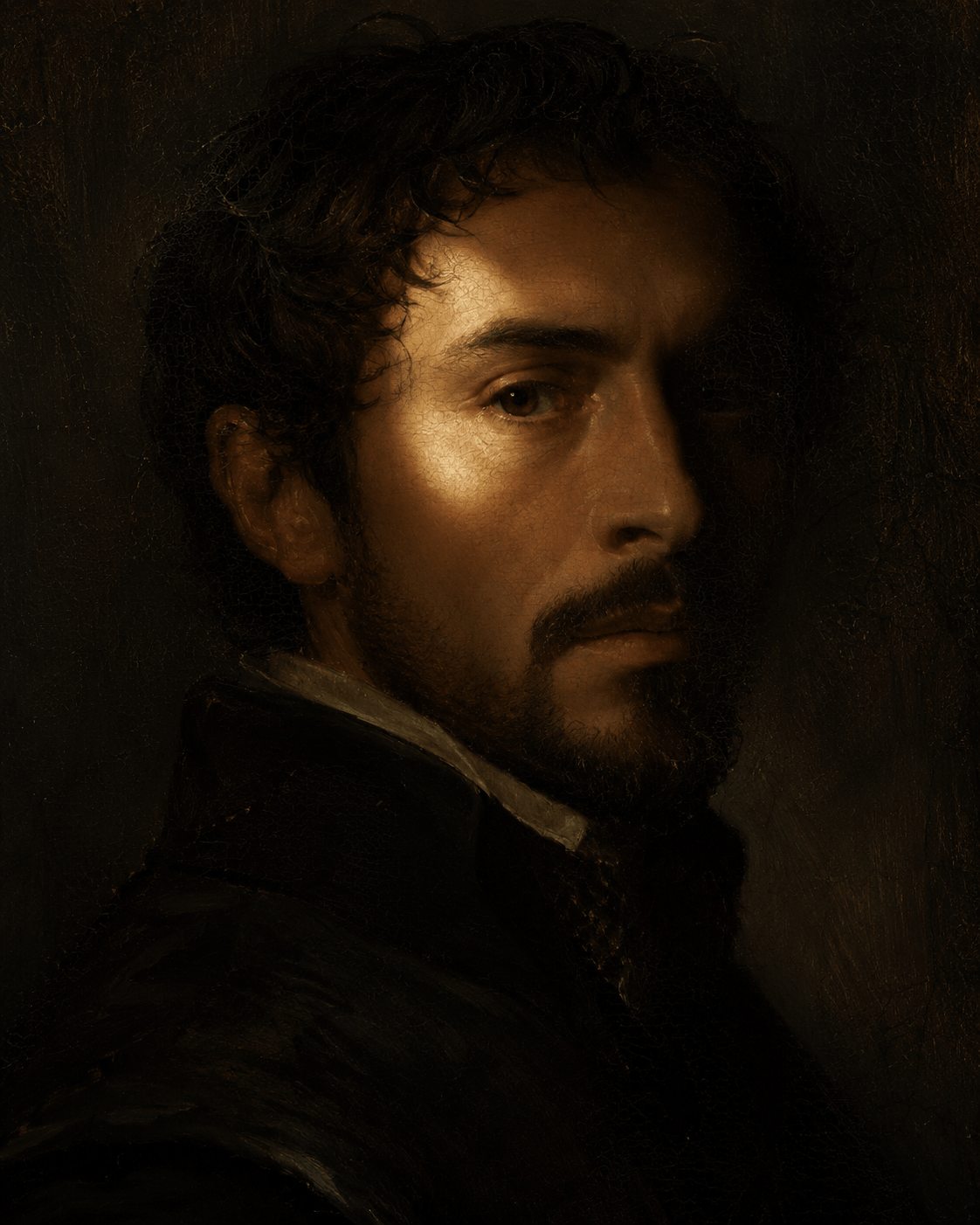
deformed face, extra limbs, distorted hands, bad anatomy, ugly, blurry, low quality, watermark, text, logo, frame
For Product Shots
cluttered background, people, text, logo, watermark, low quality, blurry, distorted, reflection, shadow
Model-Specific Usage
Stable Diffusion: Native negative prompt support. Be specific and comprehensive. Common additions include "worst quality, low quality, normal quality, deformed, distorted, blurry, bad anatomy, extra limbs".
Flux Pro: Supports negative prompts through its API. Focus on style rejection ("cartoon, illustration, painting, 3d render, sketch, anime") rather than quality terms.
Midjourney: Uses "--no" parameter instead of negative prompts. Example: "--no cartoon, text, watermark". Less comprehensive than SD's system but effective for broad exclusions.
DALL-E 3: No explicit negative prompt support. Instead, phrase exclusions within the main prompt: "A photorealistic portrait, no text, no watermark, no cartoon elements."
Pro Tips
- Start broad, then narrow: Begin with general exclusions and add specific ones only if needed
- Don't over-negative: Too many negative prompts can confuse the model and reduce quality
- Match your model: Each model has different sensitivity to negative prompts — experiment
- Iterate: Save working negative prompts as templates for similar generations