Image Prompt Box
 Creating cinematic images with AI requires understanding how film language translates into prompt terms. This guide breaks down the key elements that make a prompt feel "cinematic."
Start with the Camera
Film directors think in terms of camera specs. Translate that to your prompt:
- Lens choice: "35mm" for wide scenes, "85mm" for portraits, "anamorphic" for widescreen feel
- Depth of field: "shallow depth of field" or "f/1.8" focuses attention on the subject
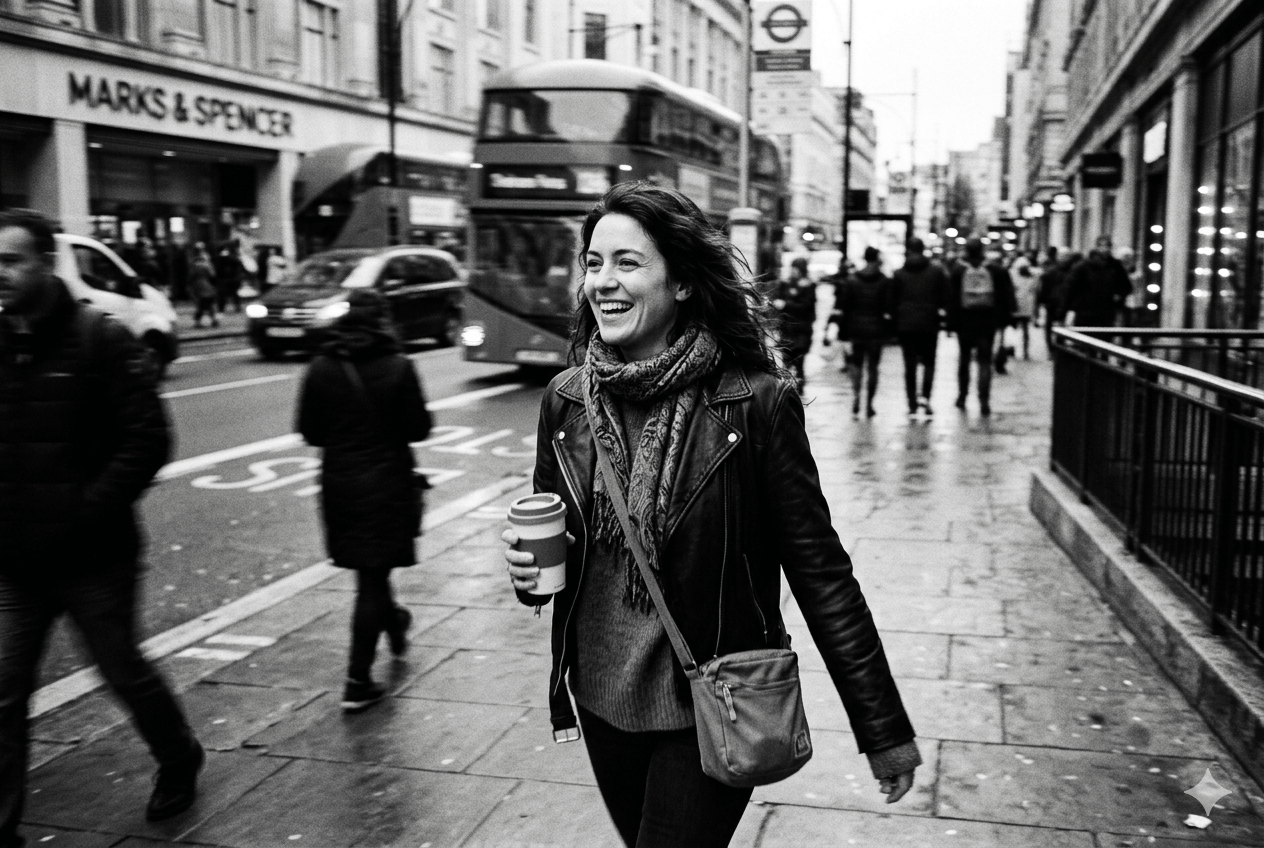
- Shot type: "close-up", "wide shot", "over-the-shoulder" — each tells a different story
- Camera movement: "tracking shot", "dolly zoom" — adds dynamic feel
Lighting Is Everything
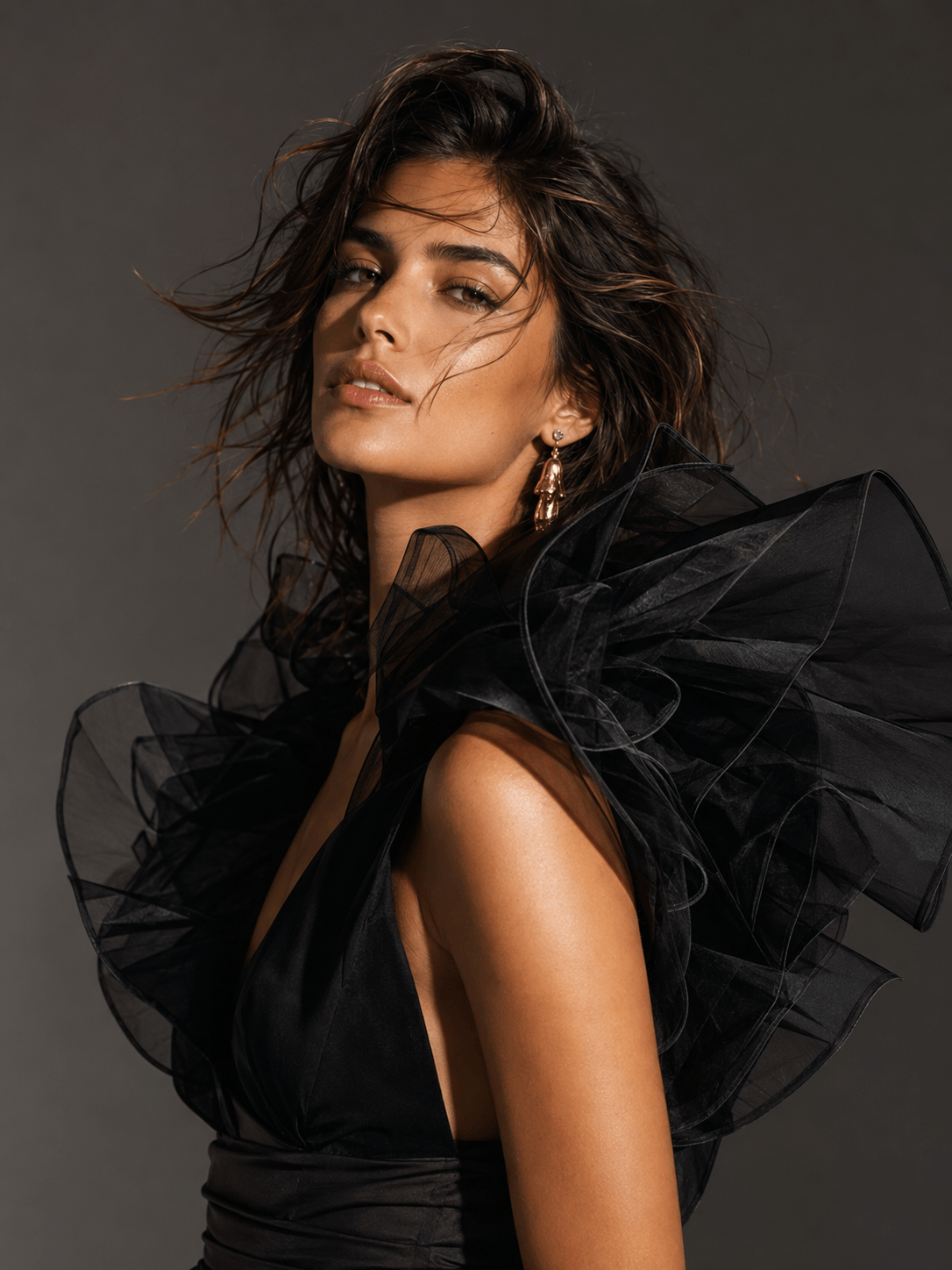
Cinematic lighting transforms a flat image into something dramatic:
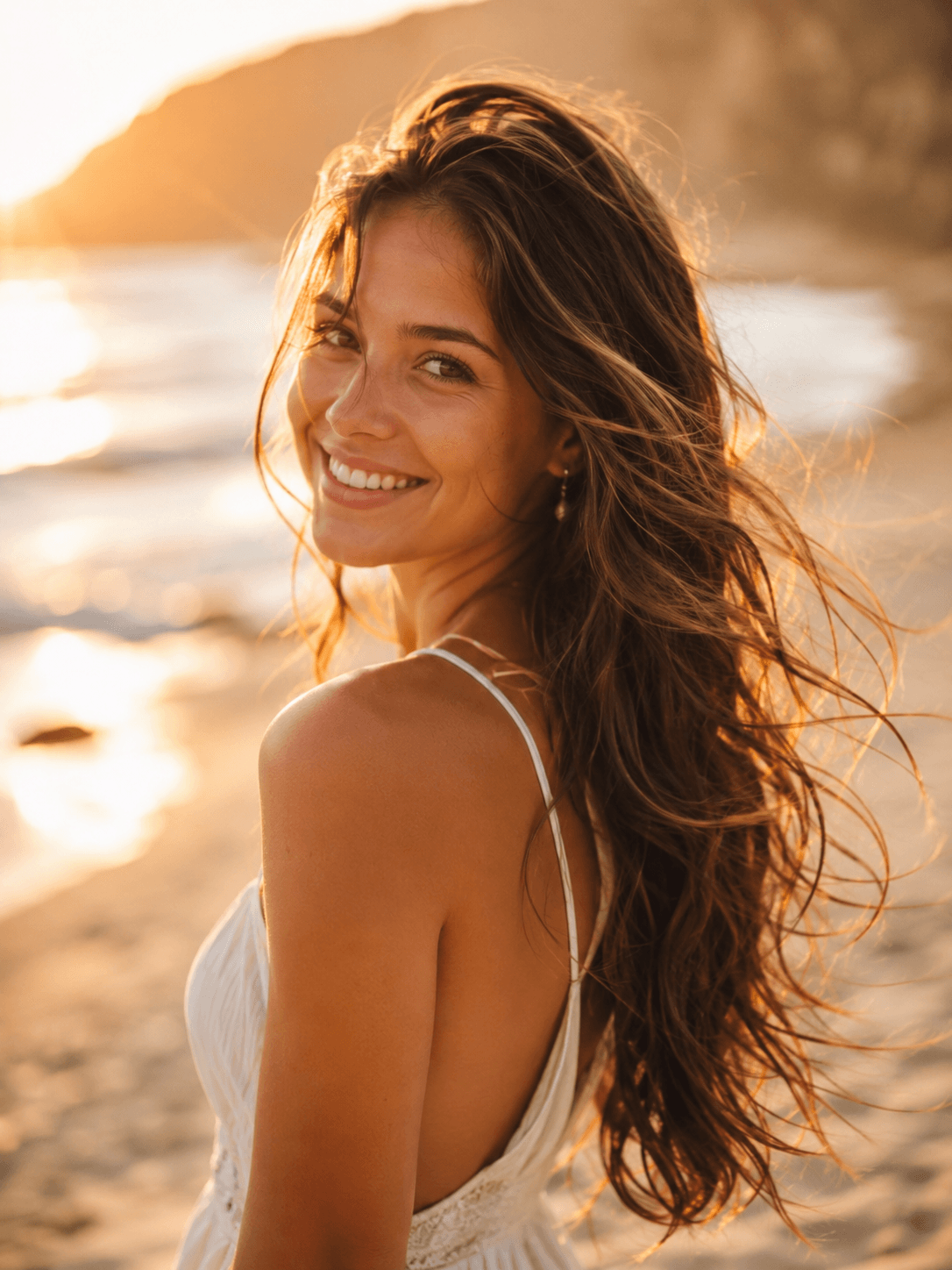
- Golden hour: warm, directional light from low angle
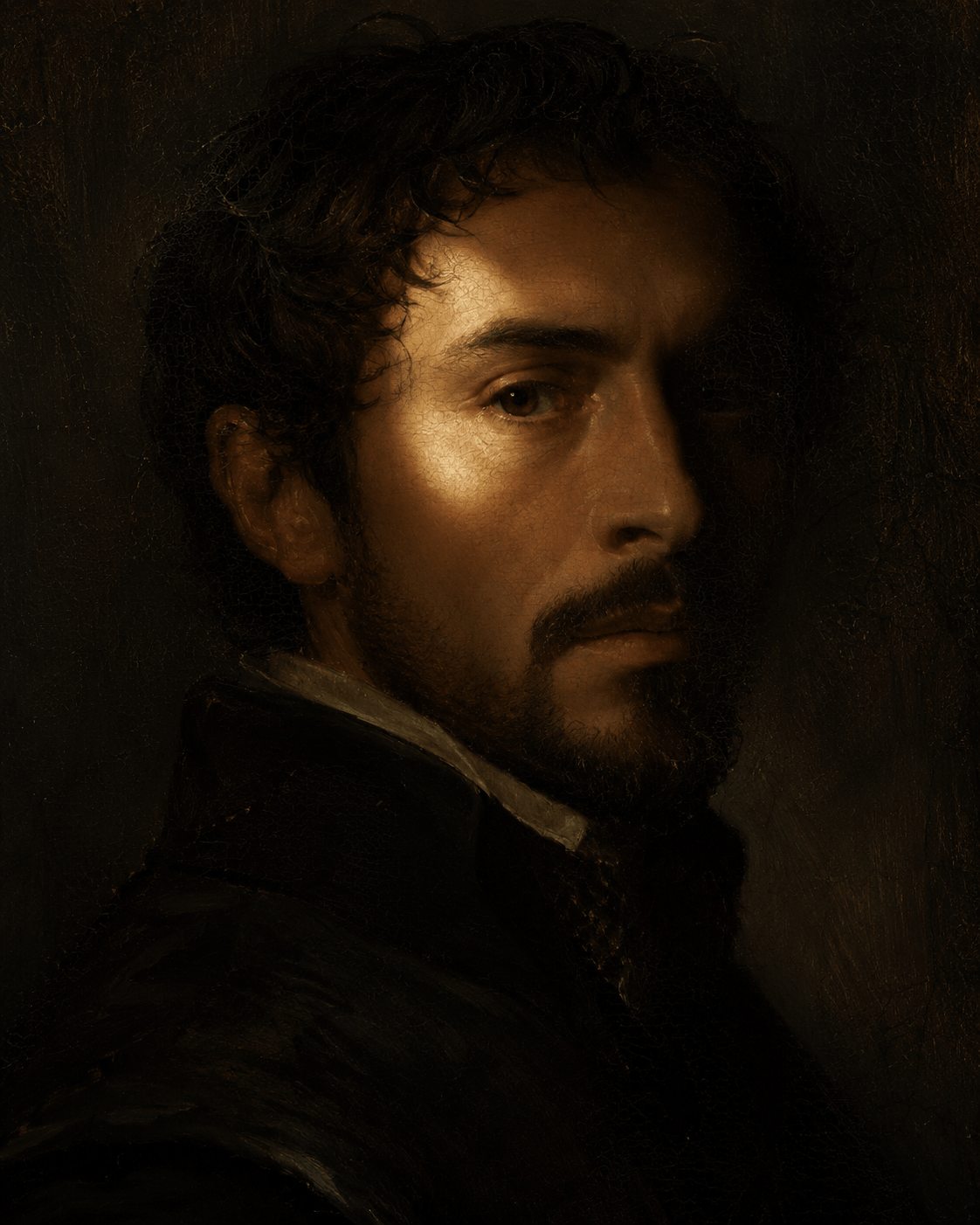
- Rembrandt lighting: triangle of light on the shadowed cheek
- Backlighting: rim light around the subject creates depth
- Practical lights: neon signs, lamps, candles as light sources
Color Grading Matters
Film color palettes set the mood:
- Teal and orange: the Hollywood blockbuster look — teal shadows, warm skin tones
- Desaturated: muted colors for serious or dystopian feels
- Warm tones: amber and gold for nostalgia or comfort
- Cool tones: blue and cyan for sci-fi or melancholy
Composition Rules
Use established framing techniques:
- Rule of thirds: place subjects off-center
- Leading lines: roads, hallways, rivers guide the eye
- Framing: doorways, windows, arches frame the subject
- Negative space: empty areas create atmosphere
Sample Prompt Structure
A strong cinematic prompt combines all these elements. For example:
cinematic wide shot of a lone figure walking through a neon-lit alley, 35mm anamorphic, shallow depth of field, teal and orange color grading, rain-slicked streets reflecting city lights, volumetric fog, backlit by neon signs, Blade Runner aesthetic, highly detailed, 8k
Model-Specific Tips
Midjourney: Use "--ar 16:9" for widescreen, "--style raw" for more photographic results. The "cinematic" keyword works well in v6.
DALL-E 3: Focus on descriptive language rather than technical camera terms. It understands "golden hour portrait with dramatic shadows" better than "f/1.8 at 85mm".
Flux Pro: Responds well to specific lighting descriptions. "volumetric lighting" and "god rays" produce striking results.
Stable Diffusion: Use negative prompts like "cartoon, illustration, flat lighting" if you want photorealistic cinematic results.